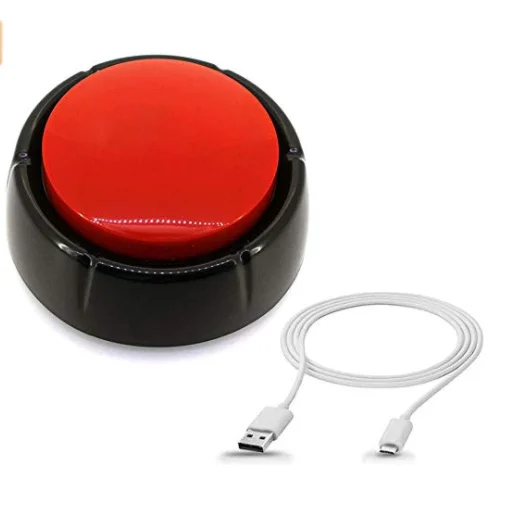
* CUSTOM YOUR OWN BUTTON - Make any sound effect button by uploading corresponding sound files, it is completely up to you. * IDEAL GIFTS FOR MANY OCCASION-Gag gift, Record meaningful messages for your loved ones, game buzzer, great funny gifts! Excellent for a funny park, office desk gadget
* USB SOUND BUTTON-GOOD TEACHING TOOLING FOR CHILD- Uploading any teach sounds less than 8MB for your child. Good choice! Teaching and learning tools, ideal for office use, home use, and school use. It is a gift for adults and children. .
Notes : Pls disconnect USB cable, next press top button to play sounds, if the USB cable is connecting, it will can't not work when you press it.
EASY TO USE
Step 1: Connect the sound button via USB .
Step 2: Drag and drop the sound files to the removable disk (in MP3 or WAV, less than 8MB)
Step 3: Disconnect, press and enjoy.
Remark: When there are more than one sound files, it will play according to the sequence you drag the files. (Pls disconnect USB cable, then press top button to play voice, if the USB cable is connecting, you press the button, it will can't not work.)
FAQ1. How to change the sound file.Re: Support sound file but not folder; Drag sound file in MP3/ WAV onto removeable disk; Change the sound file by removing but not dragging;
2. Playback
>>For one sound file, it will stop if you press during its playback.
>>For several sound files, it will play in sequence per the time you upload sound files. It is one different sound per one press.
- 1. If you press button during one playing, it will play next sound. - 2. If you press button after one playing finished, there is 1-2 seconds interval time to trigger the next sound. Our services *If you have any questions, please leave your messages by email, we promise to reply you within 24 hours and offer you best services.