Voice Recording Box Recordable Button Sound Box for Craft and Stuffed Toy
Features :
1.
Recording box, can be placed in plush dolls or other toys, can help you emotions, or message prompts, greatly increasing the fun and practicality of the toy.
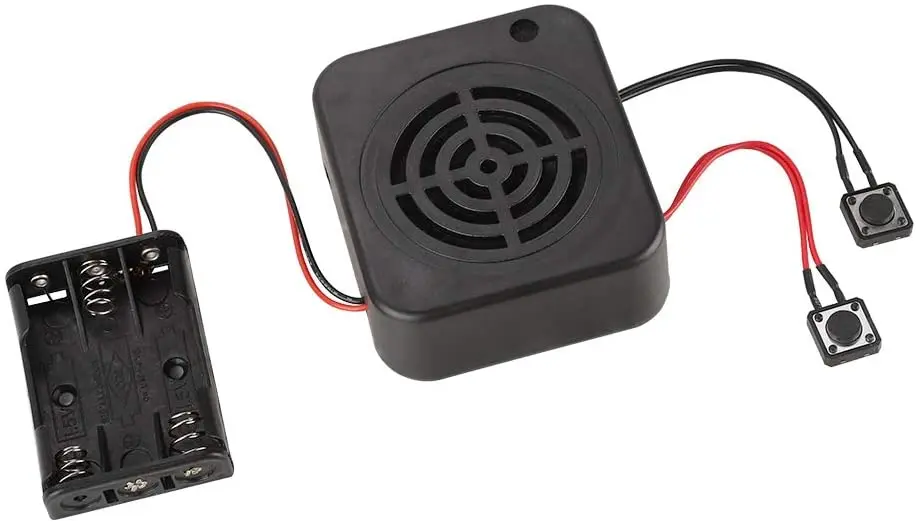
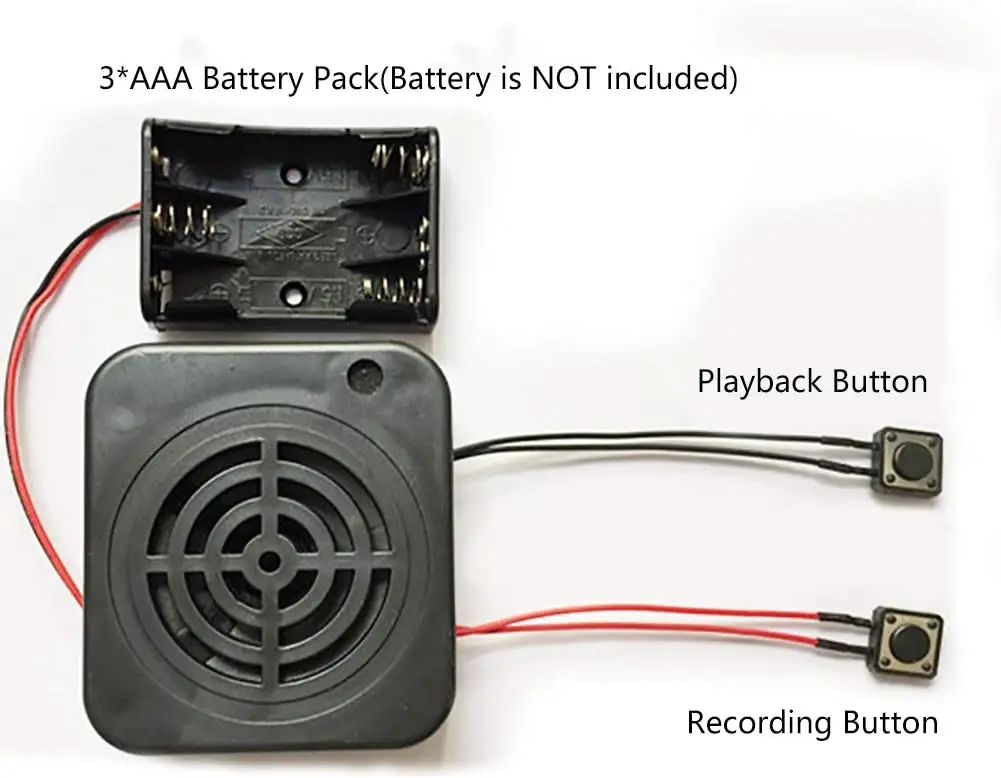
2. Recordable Gifts, There are 2 control buttons, the red button is used for recording, and the black button is used for playback.
3.With a Record button and a Play button , The sound quality is clear and the sound is louder, reaching 3W. Voice Recorder for Stuffed Animals, Wide range of applications: recording toys, gift boxes, crafts, advertising, etc.
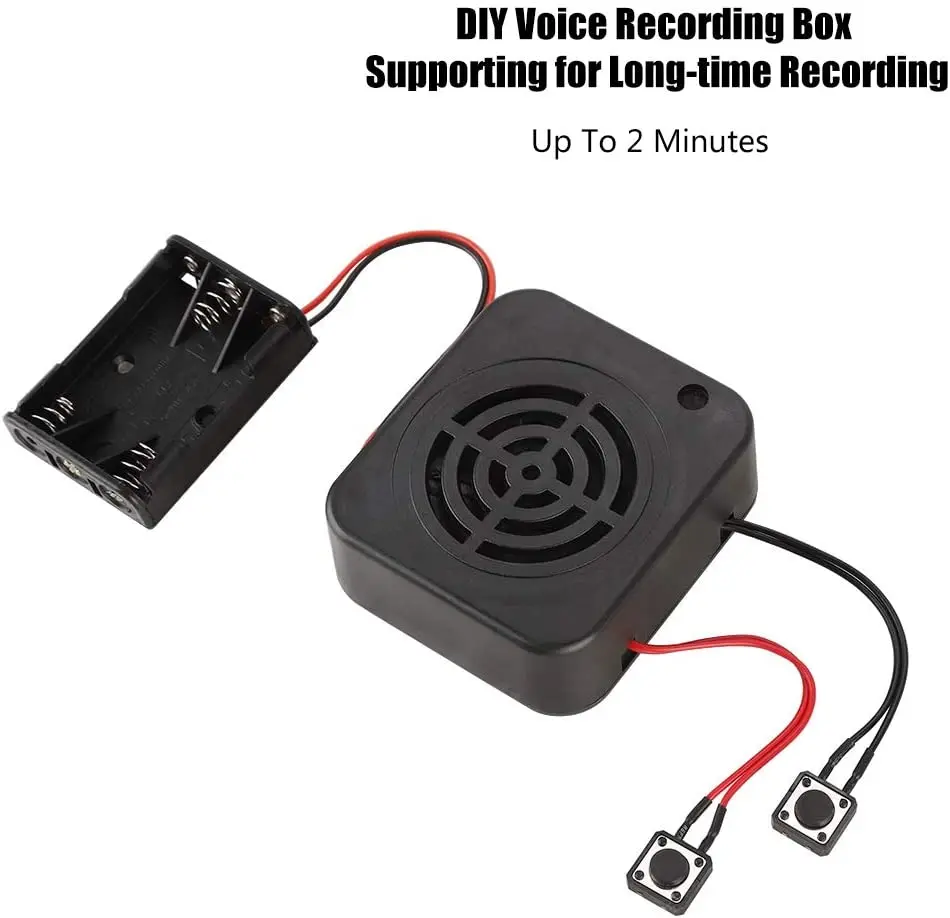
4. Voice Recordable Sound Box for Crafts, Support ultra-long recording, up to 2/4 minutes, far superior to similar products. Voice Recording Box Recordable Button Sound Box for Craft and Stuffed Toy 1. Recording box, can be placed in plush dolls or other toys, can help you emotions, or message prompts, greatly increasing the fun and practicality of the toy.
5. Recordable Gifts, There are 2 control buttons, the red button is used for recording, and the black button is used for playback.
6.With a Record button and a Play button , The sound quality is clear and the sound is louder, reaching 3W. Voice Recorder for Stuffed Animals, Wide range of applications: recording toys, gift boxes, crafts, advertising, etc.
7. Voice Recordable Sound Box for Crafts, Support ultra-long recording, up to 2/4 minutes, far superior to similar products.
More Specification Information :
Recording Playback Time: 2 Minutes / 4 Minutes (Can be customized ) Battery Pack: 3 * 1.5V AAA Batteries (Not Included) Play Button: Press The Button To Start Playing The Recorded Sound (Black With Button Line) Record Button: Red With Button Line Power Cable Length: Approx. 130Mm or customized Recording Box Size: Approx. 68 * 61 * 29Mm Instructions:
Q1. How To Record A: Recording And Playback Operations: Press The Recording Button, Hear The "Di" Sound To Release The Recording Button, Then Speak To The Microphone Within 5-10 Cm To Start Recording, Press The Recording Button Again, Hear The "Didi" Sound Then Release The Recording Button, Indicating The Recording Is Completed. Then Press The Play Button Again To Play The Currently Recorded Sound. During The Playback Process, Press The Play Button Again To Stop Playing The Sound. Q2. If We Recorded The Wrong Voice, Can We ReRecord It A: Yes, You Can Press The Record Button To ReRecord. Q3. How To Delete The Recording A: Press And Hold The Record Button, Do Not Record, When You Hear The "Di" Sound, Release Your Hand. Then Press The Record Button To ReRecord. 4. The Button With The Red Wire Is The Recording Button, And The Button With The Black Wire Is The Playback Button.